The Ultimate Guide to Image Compression
imagepixa Team
Image Processing Specialists
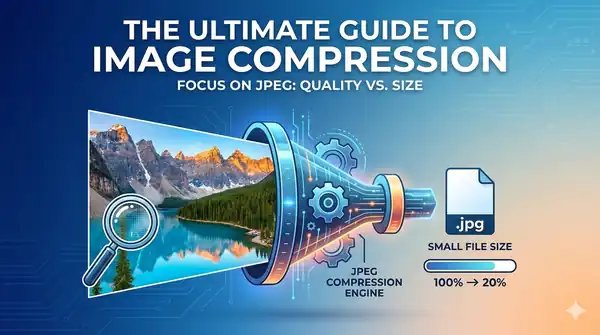
In today's fast-paced digital world, website speed is no longer just a luxury—it's a critical component of SEO and user experience. At the heart of most "heavy" websites lie unoptimized images.
What is Image Compression?
Image compression is the process of encoding an image with fewer bits than the original representation. Essentially, it means making the file size smaller without significantly degrading its visual quality. This is achieved through complex mathematical algorithms that identify and remove redundant data.
Lossy vs. Lossless Compression
Understanding the difference between these two types of compression is vital for any web developer or digital marketer:
- Lossy Compression: Removes some data permanently to achieve smaller file sizes. This is common for JPEGs where a slight loss in detail is often invisible to the human eye.
- Lossless Compression: Reduces file size by removing redundant metadata or rearranging pixel data, but allows the original image to be perfectly reconstructed. Common for PNGs and GIFs.
"Choosing the right compression method depends on the content of the image. Photos are best as Lossy (JPG), while logos and illustrations shine as Lossless (PNG)."
Why Does Image Compression Matter?
1. Search Engine Optimization (SEO)
Google explicitly uses Page Speed as a ranking factor. Since images often make up over 60% of a page's total weight, compressing them is the fastest way to improve your Core Web Vitals (specifically Largest Contentful Paint).
2. User Retention
Studies show that 40% of users will abandon a website that takes more than 3 seconds to load. By reducing image sizes, you ensure that mobile users on slow connections can still access your content quickly.
How to Compress Images Efficiently
You don't need expensive software to optimize your images. Here are professional-grade steps to take:
- Resize before compressing: Don't upload a 4000px image if it will only be displayed at 800px wide.
- Use modern formats: Consider using WebP or AVIF, which offer superior compression compared to JPG and PNG.
- Tools: Use browser-based tools like imagepixa Resizer and imagepixa Cropper to prep your files locally.
Conclusion
Image compression is a low-hanging fruit in the world of web optimization. By implementing a consistent optimization workflow, you can improve your rankings, save on hosting bandwidth, and provide a much smoother experience for your visitors.
Ready to optimize your images?
Resize your photos to the perfect dimensions instantly.